
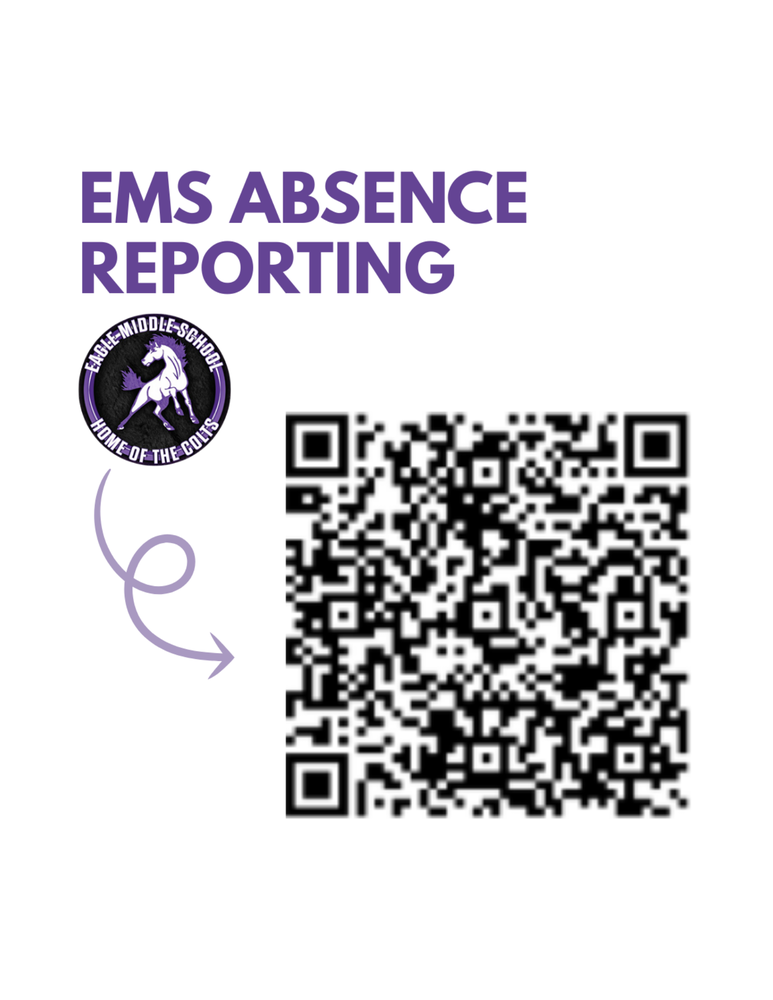
To Report an Absence in 3 steps:
Scan the QR code or click this Absence Reporting link
Complete the short form and submit it to confirm you are a parent or guardian listed in PowerSchool.
You will then receive an immediate email confirmation of your verification.
Next, in the confirmation email, click the link provided to report your student’s absence.
3 options to submit documentation for absence:
Student/Parent submits hardcopy of documentation to attendance office
Email: EagleMS@westada.org
(This email will only be monitored for attendance documentation.)
FAX: 208-350-4269